There's no single "best" AI assistant. ChatGPT, Claude, Gemini, and Perplexity each lean toward different strengths. ChatGPT is the flexible all-rounder, Claude favors long documents and careful writing, Gemini ties into Google's tools, and Perplexity is built for research with sources. Most heavy users keep more than one open and pick per task. This guide shows you how to make that call quickly.
Key Takeaways
- ChatGPT is the versatile default, a safe first pick across the widest range of everyday tasks.
- Claude leans toward long documents and natural writing, while Gemini fits work that already sits in Google apps.
- Perplexity behaves like a research answer engine and links the sources behind its replies.
- A clear, well-structured prompt works across all four, so skill on one tool carries to the rest.
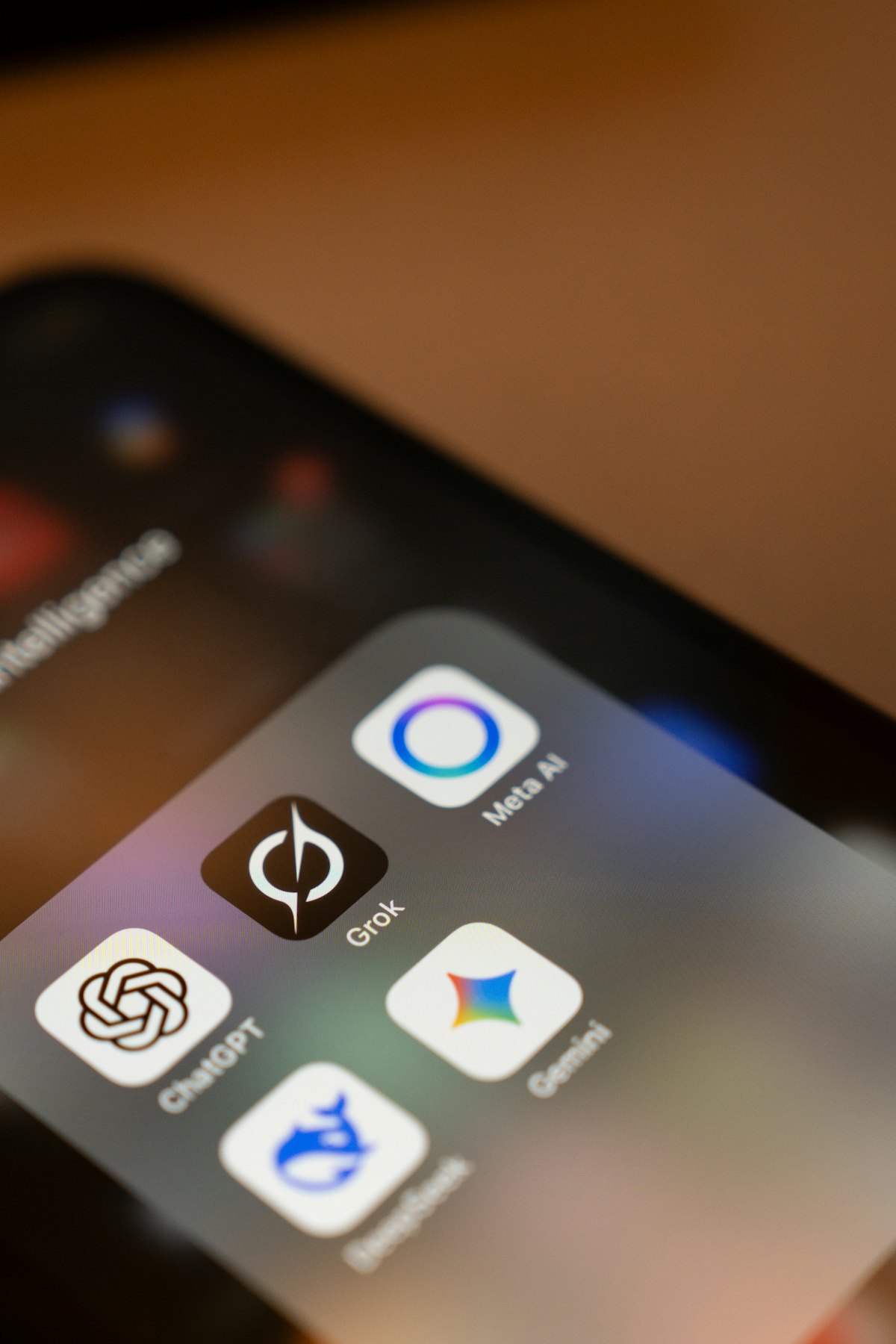
How should you choose between the four assistants?
Choose based on the job in front of you, not loyalty to one tool. Drafting and brainstorming? ChatGPT. A long report or nuanced editing? Claude. Working inside Google apps? Gemini. Research that needs citations? Perplexity. The encouraging part: a clear, well-structured prompt works well across all of them, so the skill you build on one tool carries to the rest.
Picking more than one is normal, not indecision. In 2025, 60% of AI users said they rely on both a general assistant and specialized AI tools (Menlo Ventures, 2025: The State of Consumer AI). Matching the task to the tool, rather than committing to a single app, is how most people already work.
At a glance
The table below sums up where each assistant tends to be strongest. These are durable tendencies, not a scoreboard. The models change often, but their broad personalities have stayed fairly consistent.
Usage is spread out, too. Among recent AI users in 2025, ChatGPT (43%), Gemini (37%), and Copilot (18%) led, with Claude and Perplexity each at 3% (Verasight, The Age of AI: August 2025). Adoption leaders and task fit are not the same thing, which is why this guide compares strengths rather than share.
| Assistant | Best at | Notable strengths | Reach for it when... |
|---|---|---|---|
| ChatGPT | Versatile, general-purpose work | Biggest feature ecosystem, broad task range | You're not sure which tool fits, or you want one default |
| Claude | Long documents, natural writing | Careful reasoning, tone control, large pasted text | You're editing prose or working through dense material |
| Gemini | Working inside Google tools | Google Workspace ties, handles mixed media | Your task already lives in Docs, Gmail, or Sheets |
| Perplexity | Research with citations | Answer-engine style, links its sources | You need to verify a claim or gather references fast |
What is ChatGPT best at?
ChatGPT is the versatile all-rounder. It handles a huge range of everyday tasks (drafting, explaining, coding, brainstorming) and has the largest ecosystem of features and integrations. It's the safe default when you're not sure which tool fits, and a strong starting point if you're new to AI assistants.
A good fit: turning a rough idea into a first draft. The model is comfortable generating options quickly and reshaping them on request, which is exactly what early brainstorming needs.
You are a product marketer. I'm launching a free browser extension that helps
people write better AI prompts. Give me 8 short tagline options in different
tones (plain, playful, bold). Keep each under 10 words.
Why ChatGPT here: brainstorming rewards range and speed over precision. You want many angles to react to, then you refine. That's the all-rounder's sweet spot.
What is Claude best at?
Claude tends to shine on long-form work: digesting big documents, writing that reads naturally, and structured reasoning. People who paste in lengthy material or care about tone and nuance often reach for it first.
A good fit: analyzing a long document you paste in whole. Claude is comfortable holding a lot of text at once and reasoning across it instead of skimming the top.
Below is a 12-page contract. Summarize it for a non-lawyer in plain English.
List the 5 obligations that fall on me, flag anything unusual, and quote the
exact clause for each point. Contract: """[paste]"""
Why Claude here: long-document analysis rewards careful reading and faithful quoting over speed. When you want writing that sounds human or reasoning you can trust on nuance, it's a natural pick. For more on phrasing requests like this, see what prompt engineering is and why it matters.
Gemini: Google integration and multimodal
Gemini's edge is its place in the Google ecosystem and its comfort with text, images, and other inputs together. If your work already lives in Google tools, it's the most convenient assistant to reach for, because the context is already there.
A good fit: drafting and acting on work that sits inside Google apps, like turning a thread or a spreadsheet into something usable without copy-pasting between windows.
Read the email thread below and draft a reply that confirms the meeting,
proposes Thursday 2pm as an alternative, and keeps a warm but brief tone.
Thread: """[paste]"""
Why Gemini here: the win isn't only the answer, it's not having to leave the app your work already lives in. When your inputs are mixed (a screenshot plus a question, say), its comfort with multiple formats helps too.
Use one prompt library across all four
Promptly works with ChatGPT, Claude, Gemini, and Perplexity, so your prompts come with you.
Perplexity: research with cited sources
Perplexity behaves like an answer engine: it searches, summarizes, and links the sources behind its response. When you need to verify a claim or gather references quickly, the built-in citations save a step you'd otherwise do by hand.
A good fit: factual research where you'll want to check the original source, not just trust a confident paragraph.
What are the main differences between the leading approaches to carbon capture
being deployed today? Give a short overview, then list each approach with one
sentence on its trade-off. Include sources for each claim.
Why Perplexity here: research is only useful if you can check it. Getting the answer and the links together lets you confirm what matters and skip what doesn't.
Which should you pick for...?
A quick map from common jobs to the tool that usually fits best. None of these are rules. Treat them as starting points.
- Drafting and brainstorming. ChatGPT. Range and speed beat precision early on.
- Long-document analysis. Claude. Careful reading across a lot of pasted text.
- Research with citations. Perplexity. You get the answer and the sources together.
- Working inside Google apps. Gemini. The context is already in Docs, Gmail, or Sheets.
- Coding. ChatGPT or Claude. ChatGPT for broad tasks and quick scaffolding; Claude when you paste a large codebase or want careful step-by-step reasoning.
- Everyday quick questions. ChatGPT for general queries; Perplexity when the answer is factual and you'd like a source attached.
Why most people end up using more than one
For many people the honest answer is "more than one." Once you've matched tasks to tools, you'll naturally drift between them: a draft in ChatGPT, a careful edit in Claude, a fact check in Perplexity. That's a good thing. The catch is the switching itself.
AI use is now mainstream, so this pattern only spreads. In 2025, 61% of American adults had used AI in the past six months, and nearly one in five used it daily (Menlo Ventures, 2025: The State of Consumer AI). As that habit deepens, juggling several assistants becomes the everyday reality.
The friction isn't choosing a tool. It's hopping between them and losing your prompts and context each time. You re-type the same instructions, hunt for that great prompt you used last week, and copy half-finished work from one tab to another. The skill you built on one assistant should follow you to the next, and so should the prompts you've refined.
That's the gap Promptly fills. It keeps one prompt library that works across all four, so the prompt that nailed your tone in Claude is one click away in ChatGPT. See how to switch between AI assistants without losing your work, how to export and move your conversations between them, and how to manage prompts across every AI tool you use.
Frequently asked questions
Is it worth paying for more than one AI assistant?
It depends on your tasks. Many people use the free tier of two or three assistants and pay only for the one they lean on most. The bigger win usually isn't the subscription. It's reusing the same proven prompts across all of them so you're not rebuilding your setup in each tool.
Do prompts work the same across ChatGPT, Claude, Gemini, and Perplexity?
Mostly yes. A clear role, goal, format, and one example improve answers on all four. You might tweak wording per tool, since Perplexity prompts often ask for sources and Claude prompts can hand over more text, but a good prompt rarely needs a full rewrite to move between assistants.
Which AI assistant is best for beginners?
ChatGPT is the easiest starting point because it's flexible and well documented, so almost any reasonable request returns something useful. Once you're comfortable, try the others on tasks that match their strengths: Claude for long writing, Perplexity for research, Gemini if you live in Google apps.
What's the real difference between Perplexity and the others?
Perplexity is built as a research answer engine, so it searches the web and shows the sources behind its reply by default. The others can search too, but they're general assistants first. Reach for Perplexity when verifying a claim or collecting references matters more than open-ended drafting.
How do I avoid losing prompts when I switch between tools?
Keep your prompts in one library instead of scattered across chat histories and notes. That way the same instruction runs in any assistant without retyping, and your best-performing prompts stay one click away no matter which tool you open. Promptly handles this across ChatGPT, Claude, Gemini, and Perplexity.
Sources
- Menlo Ventures. 2025: The State of Consumer AI (2025). https://menlovc.com/perspective/2025-the-state-of-consumer-ai/, retrieved 2026-06-16.
- Verasight. The Age of AI: August 2025 (2025). https://www.verasight.io/reports/ai-report-aug25, retrieved 2026-06-16.
- Hero image: Salvador Rios via Unsplash.